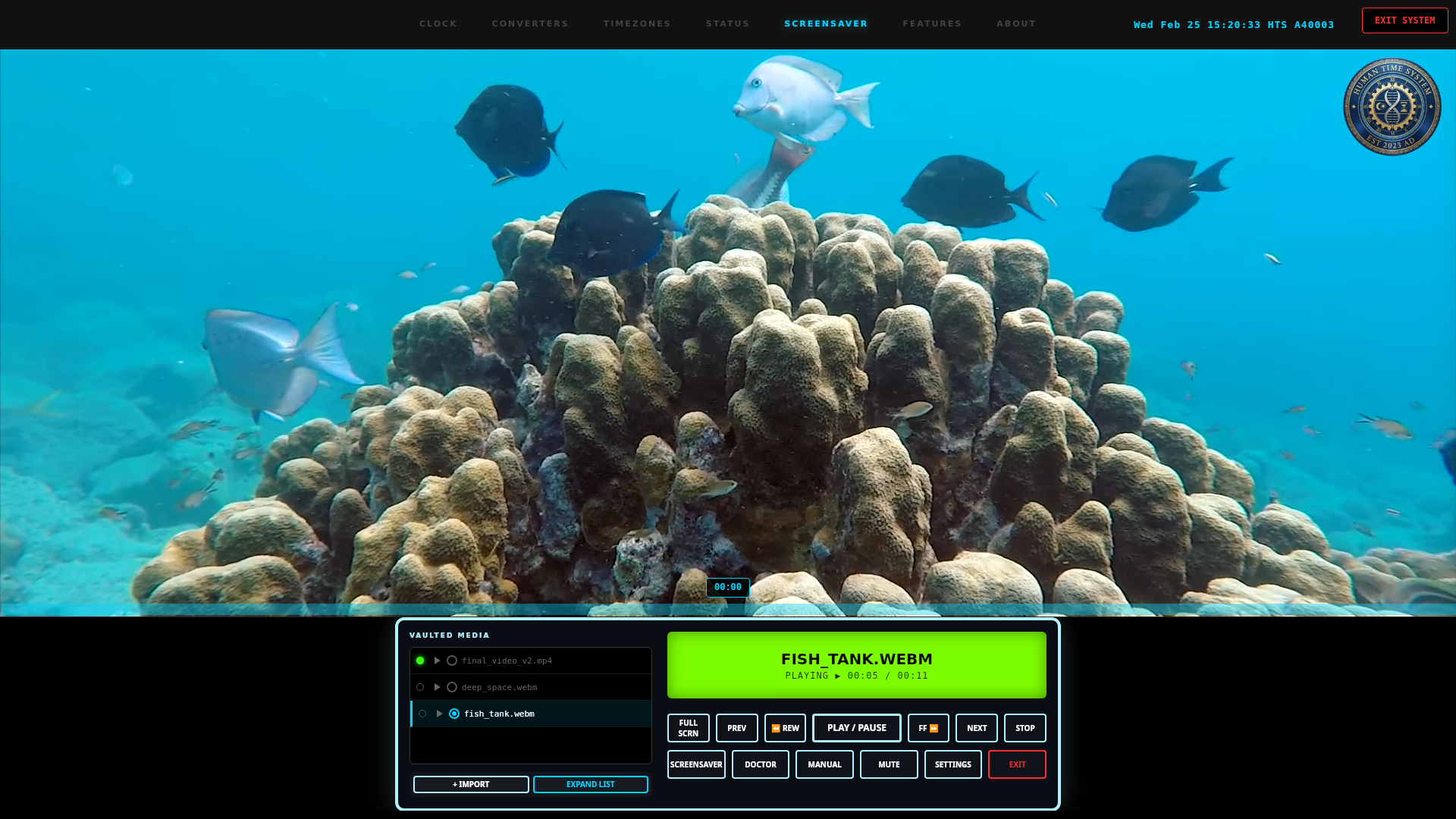
The Storcke Human Time System

CLOCK • SCREENSAVER • VIDEO PLAYER

The official Flatpak repository for the Human Time System. An infinite, cyclical calendar designed for deep time, tracking Epochs of 50,000 years starting from A0.


Installation

flatpak remote-add --user --if-not-exists --no-gpg-verify storcke64-hts https://storcke64.github.io/hts-time/
flatpak install --user storcke64-hts com.storcke64.hts_time

How to Run

Graphical Interface (GUI)

Launch HTS Time System from your app menu or run:

hts-time --gui

Command Line Interface (CLI)

hts-time
Wed Feb 25 22:40:25 CST 2026 HTS A40003

🖥️ Enable CLI Access

Why is this needed?

Flatpak sandboxes apps for security, so the hts-time command isn't automatically available in your terminal. Use one of the two methods below to fix this.

How to use these instructions

  1. Open a Terminal on your system — search for "Terminal" in your app menu
  2. Click the Copy button below to copy the code
  3. Paste it into the terminal window using Ctrl+Shift+V
  4. Press Enter to run it
  5. ✅ Done — type hts-time in any terminal to use the CLI
Setup Script (Recommended)
Quick Alias

Run this script once. It creates a permanent hts-time shortcut in ~/.local/bin.

#!/bin/bash # HTS Time System - CLI Setup Script # By Antonio Storcke APP_ID="com.storcke64.hts_time" BIN_NAME="hts-time" LOCAL_BIN="$HOME/.local/bin" mkdir -p "$LOCAL_BIN" EXPORT_PATH=$(find /var/lib/flatpak/exports/bin \ ~/.local/share/flatpak/exports/bin \ -name "$APP_ID" 2>/dev/null | head -n 1) if [ -z "$EXPORT_PATH" ]; then echo "Error: $APP_ID not found. Please install it first." exit 1 fi ln -sf "$EXPORT_PATH" "$LOCAL_BIN/$BIN_NAME" echo "✓ Shortcut created: $LOCAL_BIN/$BIN_NAME" if [[ ":$PATH:" != *":$LOCAL_BIN:"* ]]; then echo "Note: Add this to your .bashrc:" echo " export PATH=\"\$HOME/.local/bin:\$PATH\"" else echo "✓ Setup complete! Type 'hts-time' in your terminal." fi

Add this line to your ~/.bashrc or ~/.zshrc for a quick alias:

alias hts-time='flatpak run com.storcke64.hts_time'

Then run: source ~/.bashrc

Note: This page serves the Flatpak repository data. Please use the terminal commands above to install.